
Pay Only $524 After NEA Hawker Grant (GST not included)
No Extra / Hidden Fees After The $524
Money Goes Straight To Your Bank Account. We Don't Hold Your Money
Our Online Ordering Function Bring You More Sales, But Don't Charge You Any Fees
- Easy to setup (under 30 minutes)
- User friendly
- Hassle-free sales tracking and reporting
- Easy management of your menu items and inventory
- Improve your customer service with faster transactions
- Mobile and flexible operations - manage your stall from anywhere
- Eligible for NEA's Hawkers' Productivity Grant (Claim up to 80%)
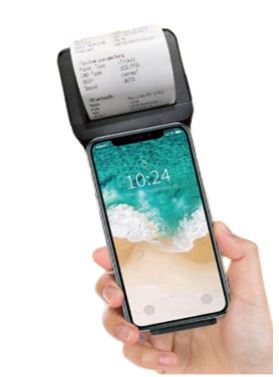
- Mobile Point of Sale (POS) to cut down order
- Build-in barcode scanner and 2" thermal printer. Compatible with Android, iOS, Windows
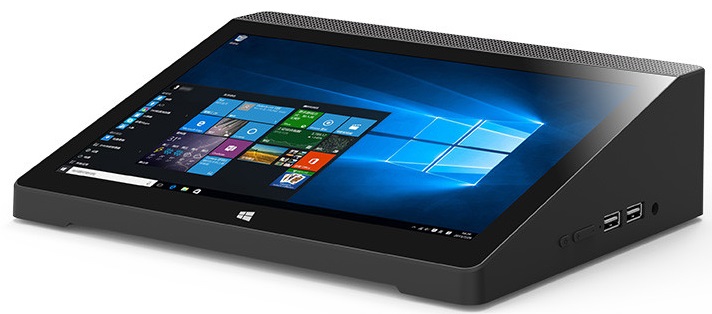
- Routing of orders to Kitchen Management, reducing passing of manual order
- Screen size: 7 inch industrial tablet, touch screen
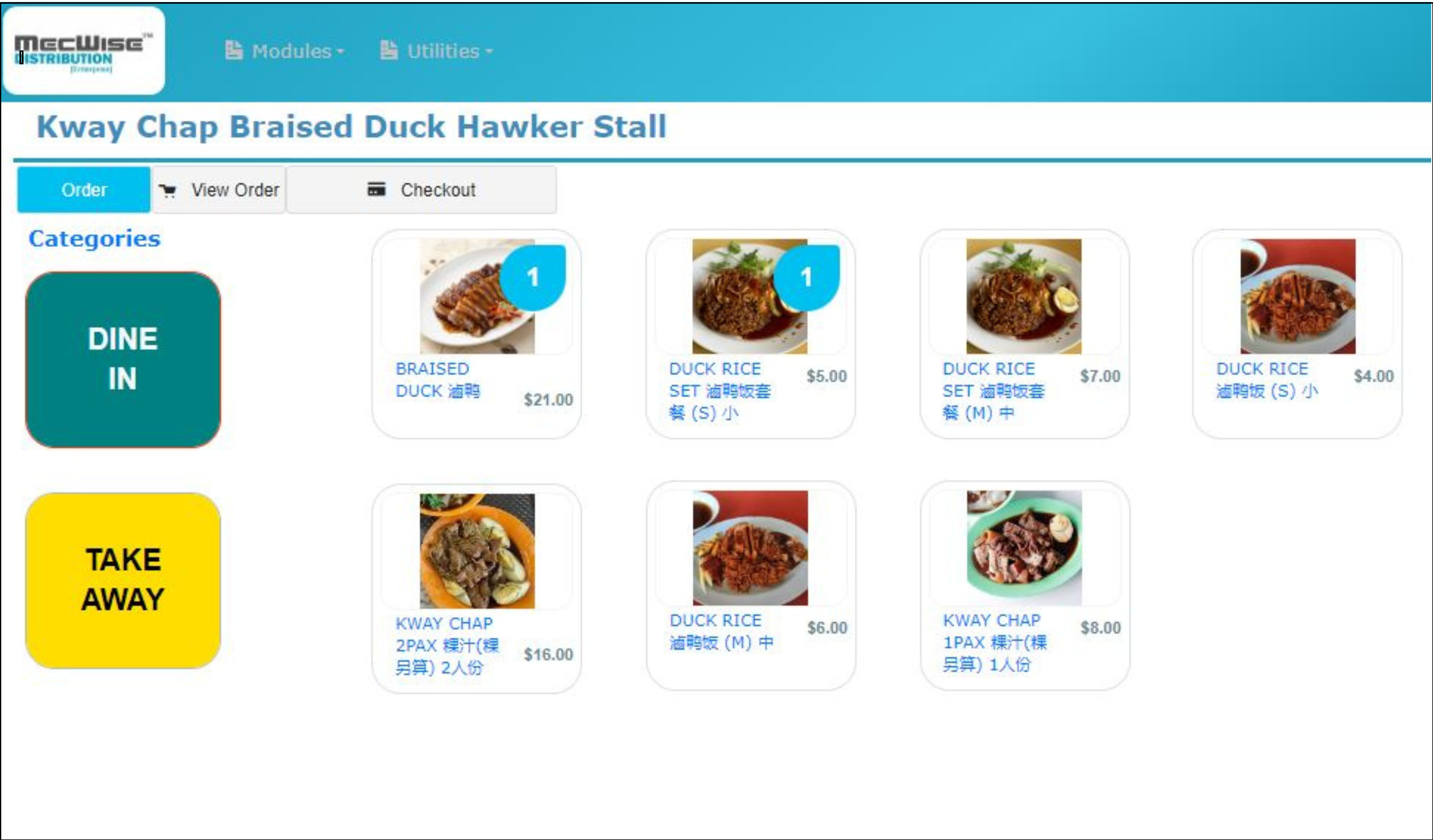
- POS software tailored for hawker stalls
- Safe digital transactions with no error or fees
- Control your data fully
- [NEW!] Customer mobile ordering and self-service
[NEW!] Customer Mobile Ordering And Self-Service
With Starvision IT Hawker POS system's mobile ordering and self-service feature, it will be much easier and more convenient for customers to order from your hawker stall.
Your stall also gets another way to get more orders, with NO transaction fees to you.

Customers can sit comfortably at their tables to make their orders * No more tissue paper chope-ing! (* in discussions with NEA)
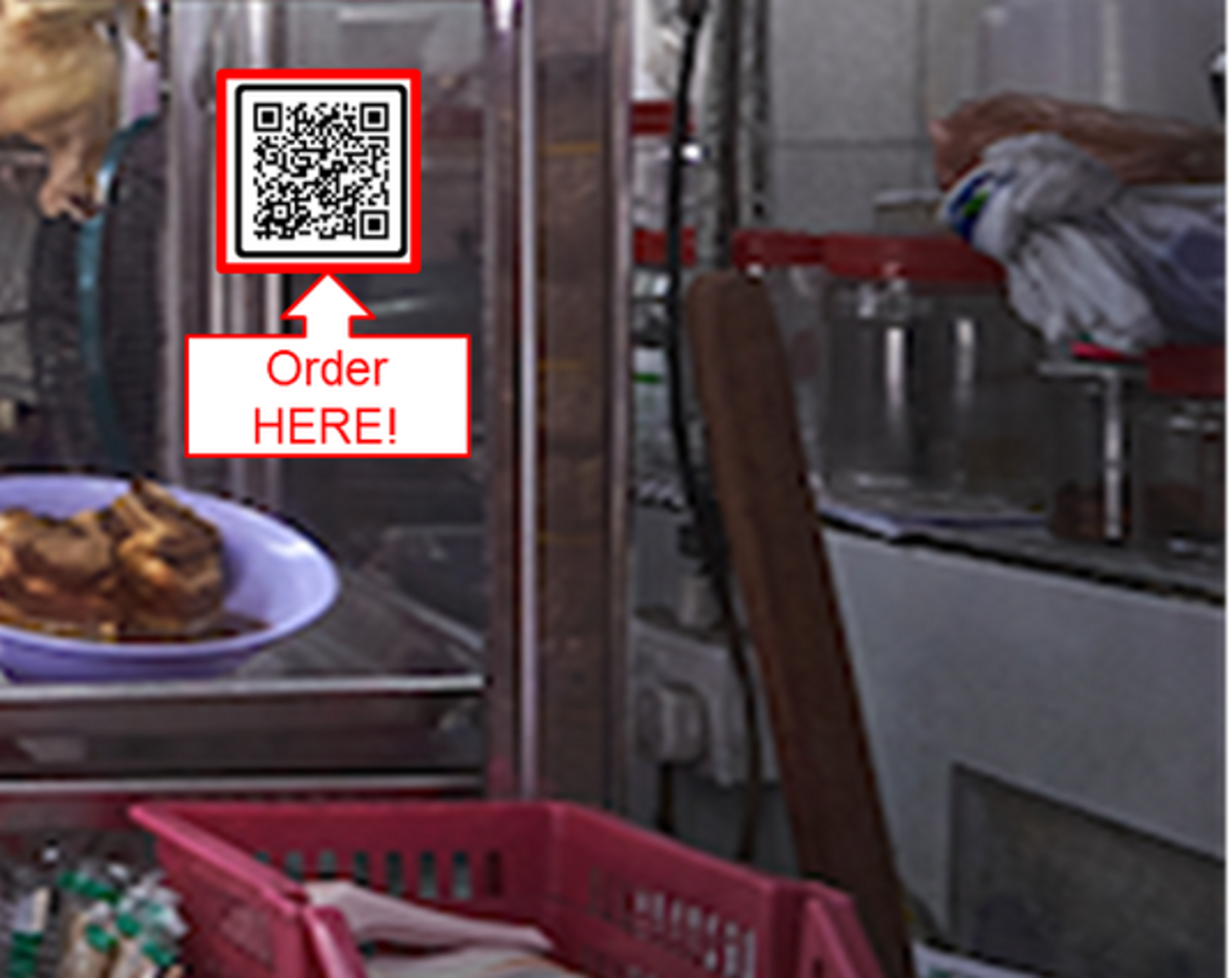
Customers can also choose to proceed to their favorite stalls directly to order. There is no need to queue.
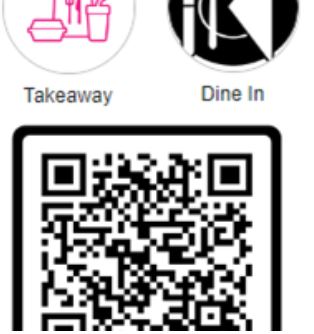
Customers scan QR code to start ordering. They can choose to dine in or take away.

On the App, customers choose the hawker stall they want to order from. From there, they select their food items.
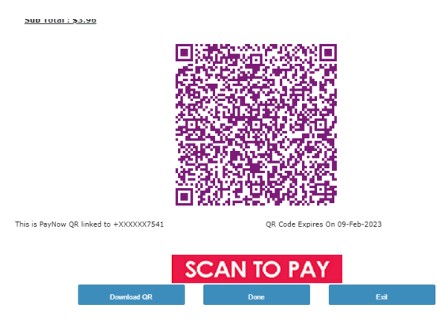
Once confirmed on items, our solution will generate a SGQR code with the exact amount for customers to scan and pay.
The system automatically verifies the payment and routes the confirmed order to the kitchen for a seamless experience.
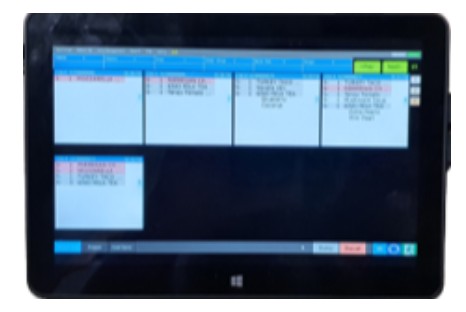
All paid orders will be displayed on the Kitchen Display System. One simple click allows you the hawker to notify the customer for collection.
- Speeds up ordering process
- Reduces need for physical cash handling
- Improves your kitchen operations
- Enhances your customer's convenience and experience
- NO transaction fees needed
Interested To Get Started?
Click on "I'm Interested"
Fill in your contact details and interested POS package in the form
Press "Submit". We will get back to you within a day
Prefer to contact us directly? You can give us a call or email us with the details below:
Email Us at
OR
Call us at +65 62934828 today!